
Dumpster Diving for Data
Your trash could be a data breach. I found thousands of medical records on a discarded computer Medicare numbers, DOBs, and treatment plans.

I was asked last year which businesses or industries I thought were the most exposed or have the worst cybersecurity. My answer was this: small healthcare practices. They're usually run by non-technical people without much investment in IT, let alone cyber security, yet they are exposed to a disproportionate amount of risk due to the sensitive data they handle.
This story is a perfect example of exactly that.
Taking a Peek
I live in a high-density building with a bulk goods disposal area, which is where I spotted this computer. It had a label stuck to it that read: "Clinician to credit."
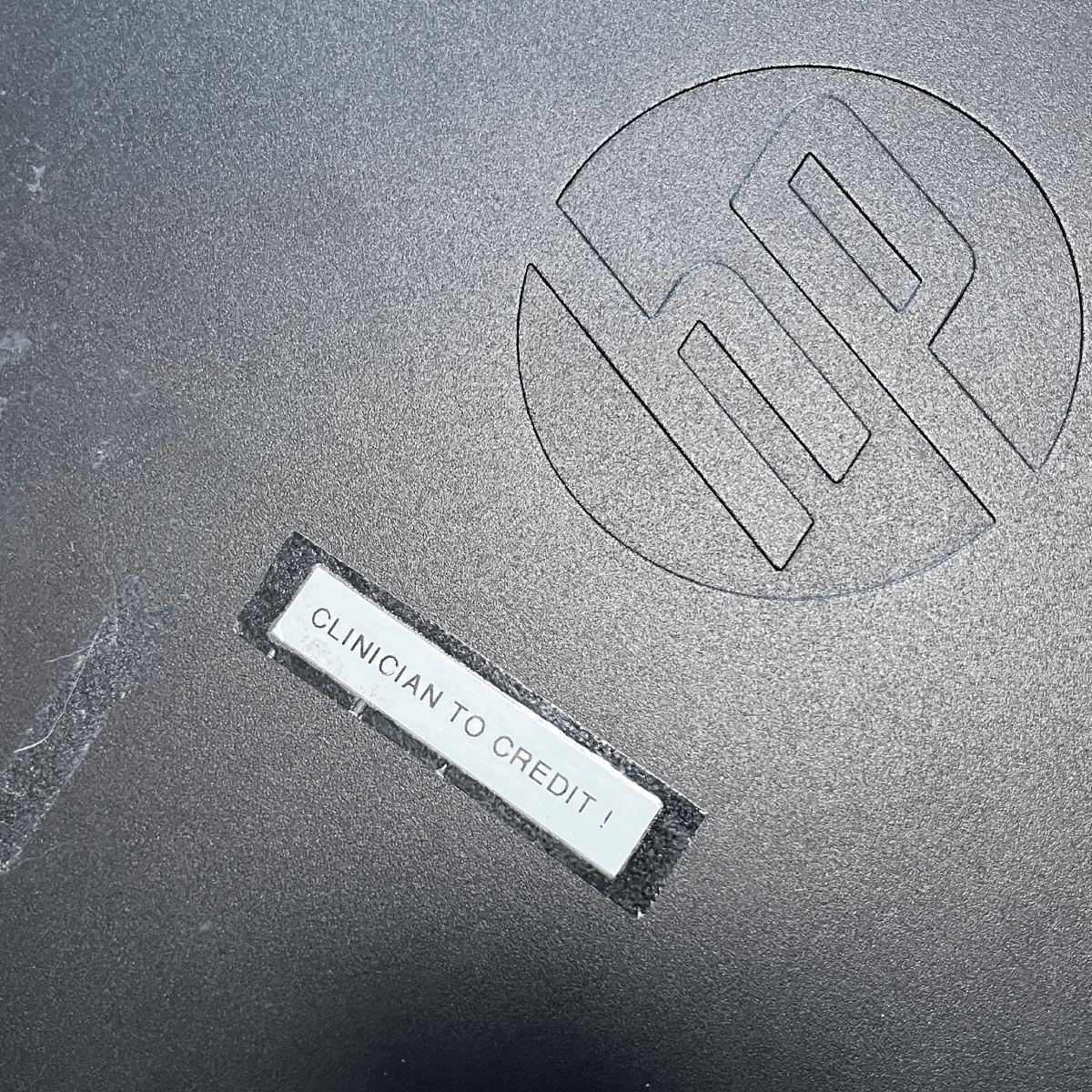
My immediate thought was: "That can’t be good." A label like that probably means the computer was probably used by some sort of healthcare professional.
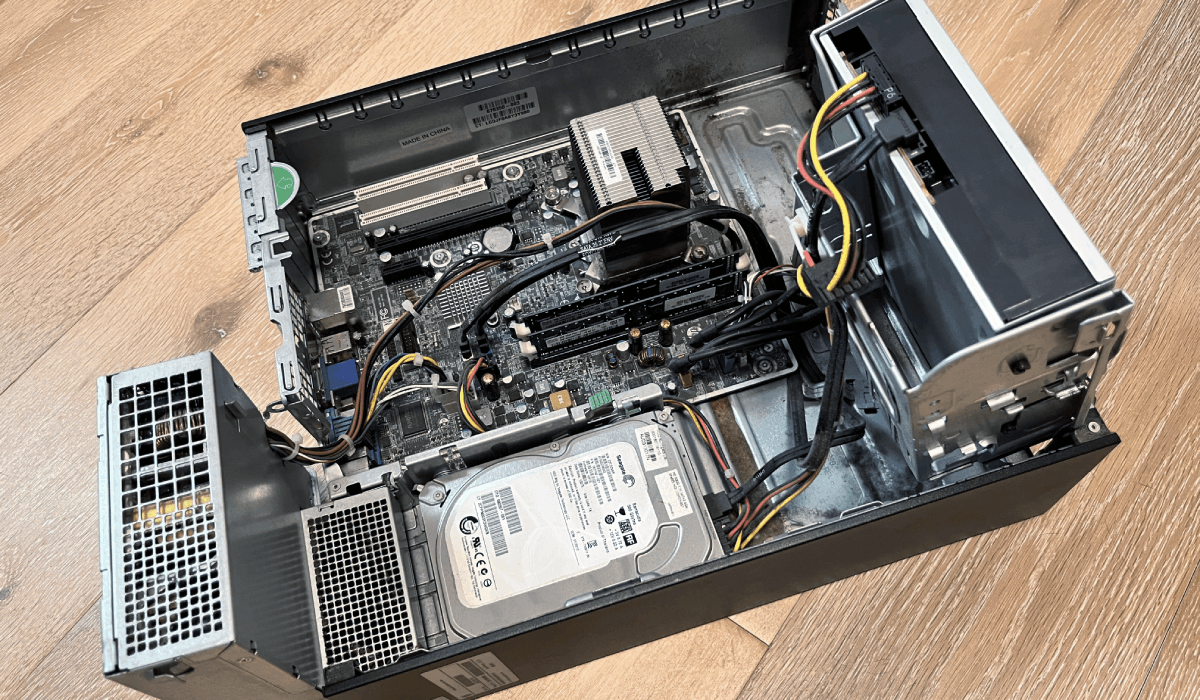
When I tried to plug it in and boot it up, the computer wouldn't POST. I opened it up for a quick look and saw the motherboard was covered in leaking capacitors, which was likely the culprit.
Rather than spending time diagnosing further, I figured it’d be easier to just pull the hard drive and chuck it into a spare system instead.
Logging In
With the hard drive hooked up to a donor system and a live boot environment, I noticed there was no disk encryption enforced.
Without disk encryption we can retrieve password hashes in the SAM and SECURITY registry hives directly off the host.
SAM registry hives store passwords hashes for any local user accounts.
The SECURITY registry hive can store things like domain cached credentials - for when you sign in to the computer with a domain account.
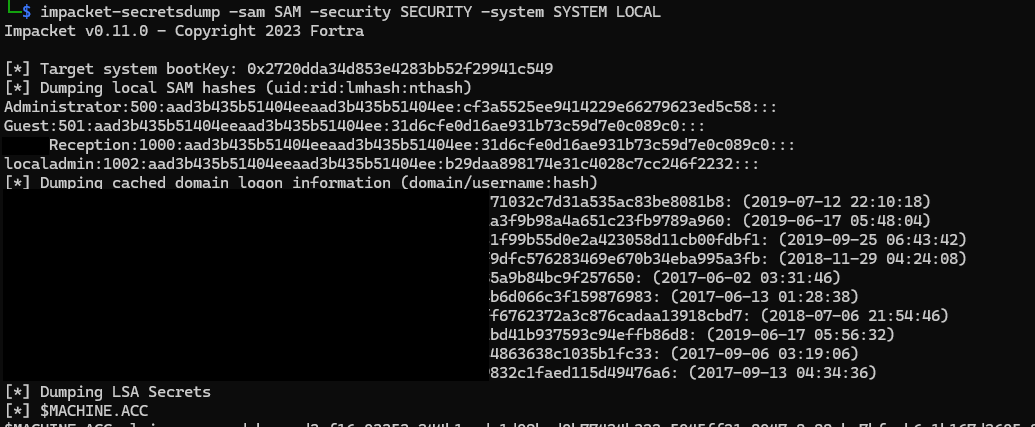
While we could just add our own user to the registry hive directly it's always fun to see the kinds of passwords people come up with.
Here's what ~15 minutes of cracking time fetched us:
- Welcome1
- Welcome2760
- Pa55word
- Ginger12
- Physio4
That last password gives us a hint of what's to come.
The Loot
Let's boot it up and see what we find.
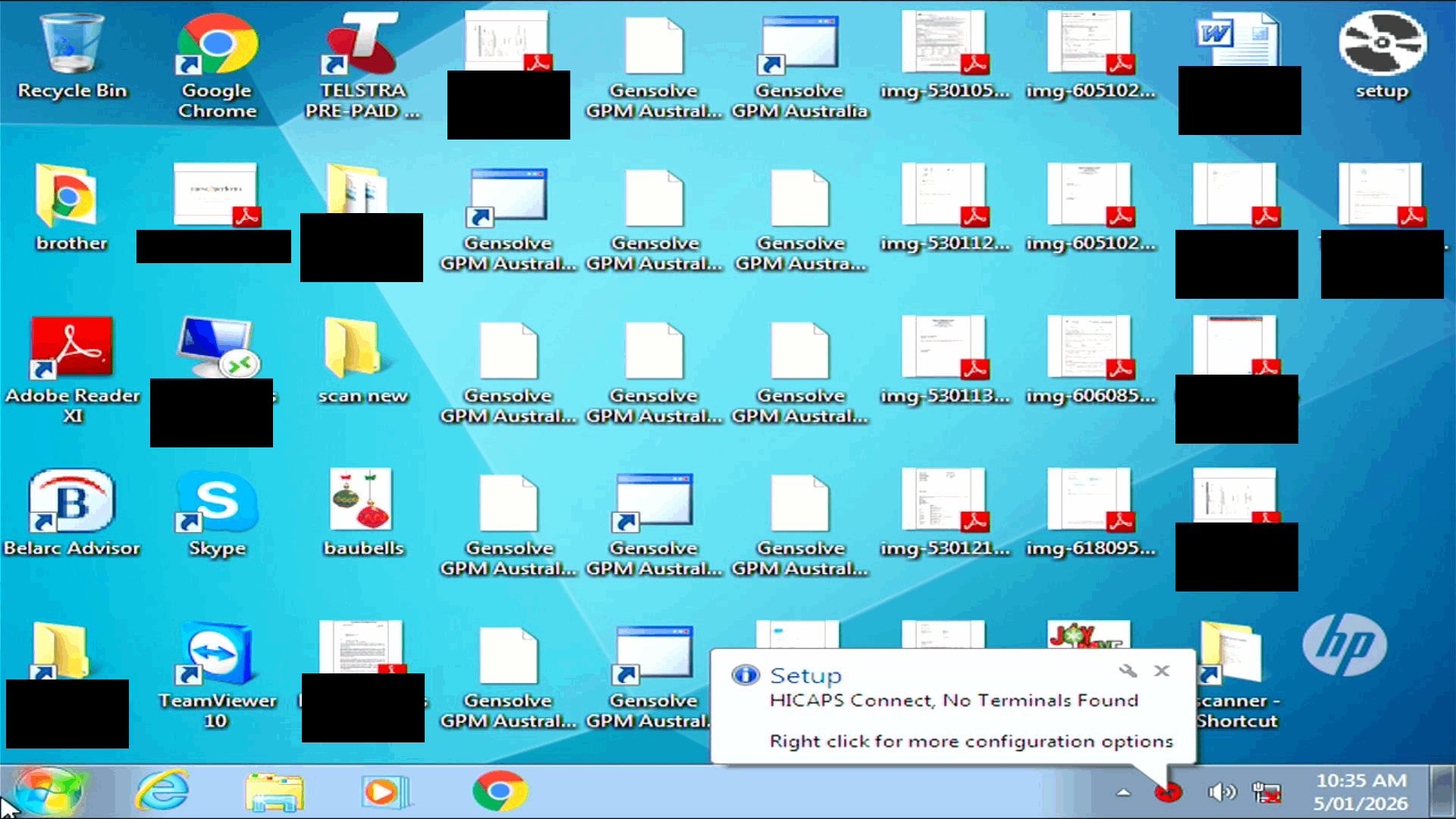
By doing some Googling and poking around the file system, it seems this computer was the reception PC at a Physio clinic in a neighbouring suburb.
All sorts of PII and PHI dating from 2013-2018 were still on this harddrive including:
- Some financial records: bank statements
- Personal identification: full names, Medicare numbers, addresses, phone numbers
- Healthcare information: treatment plans and medical histories
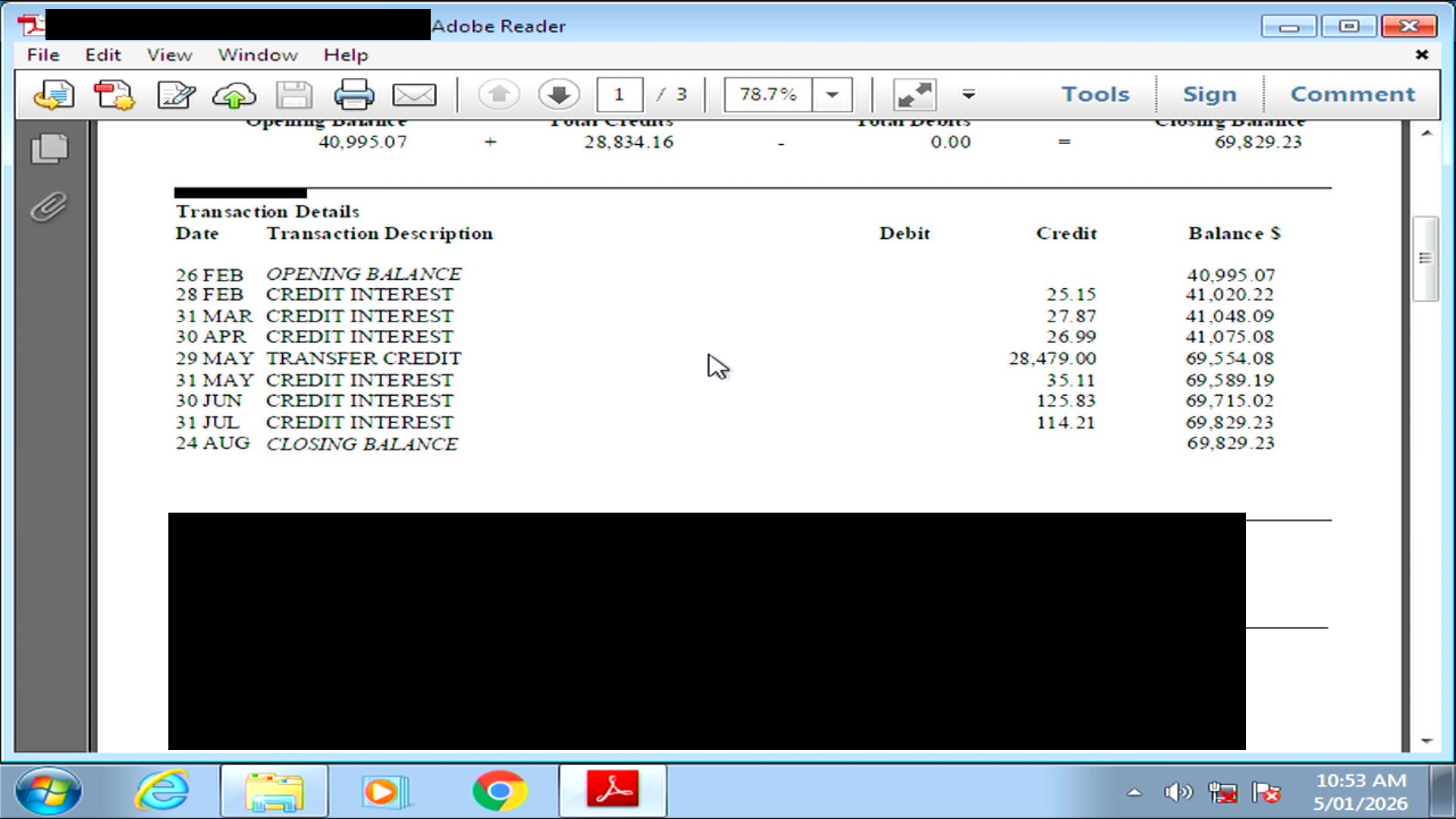
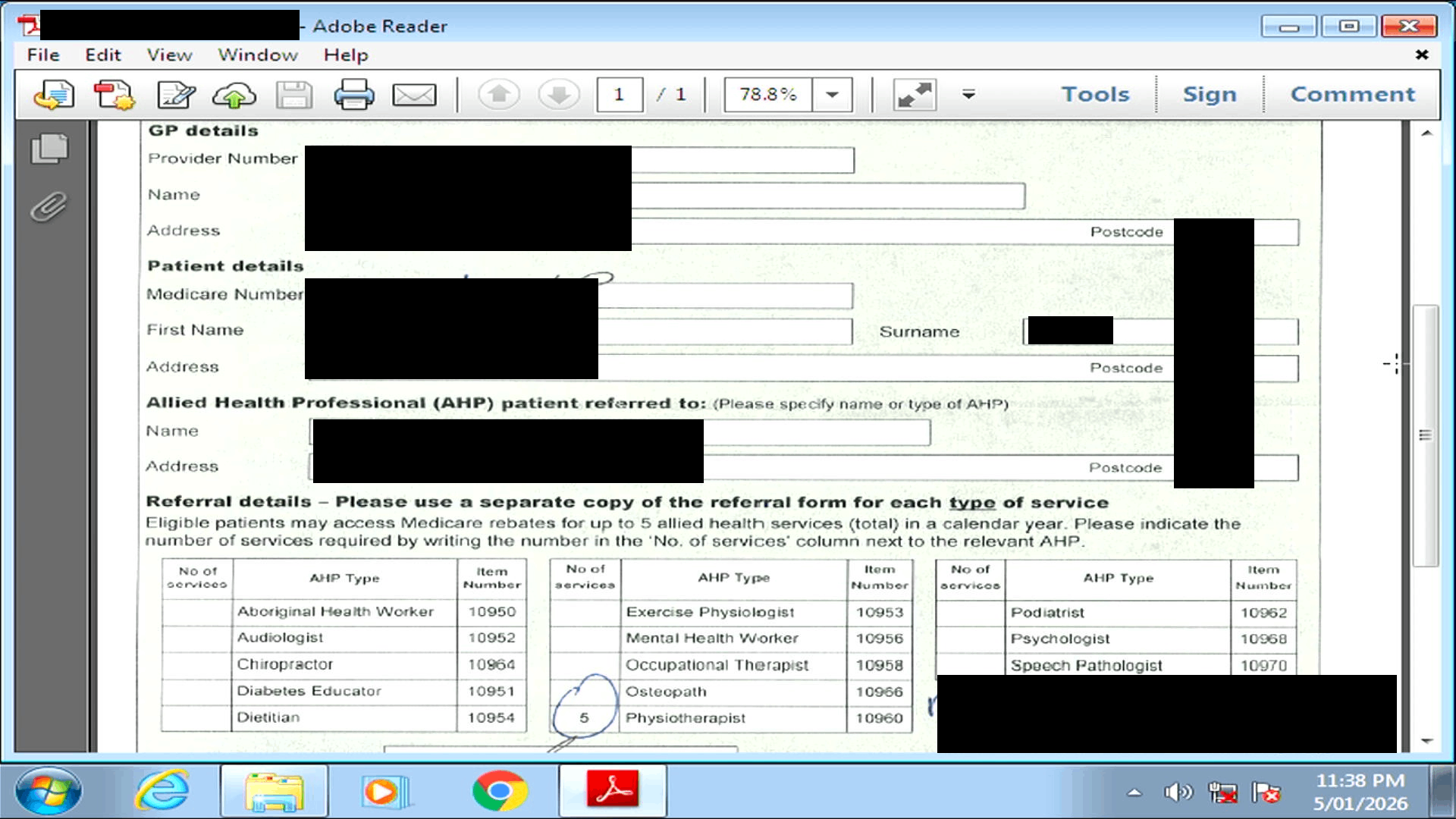
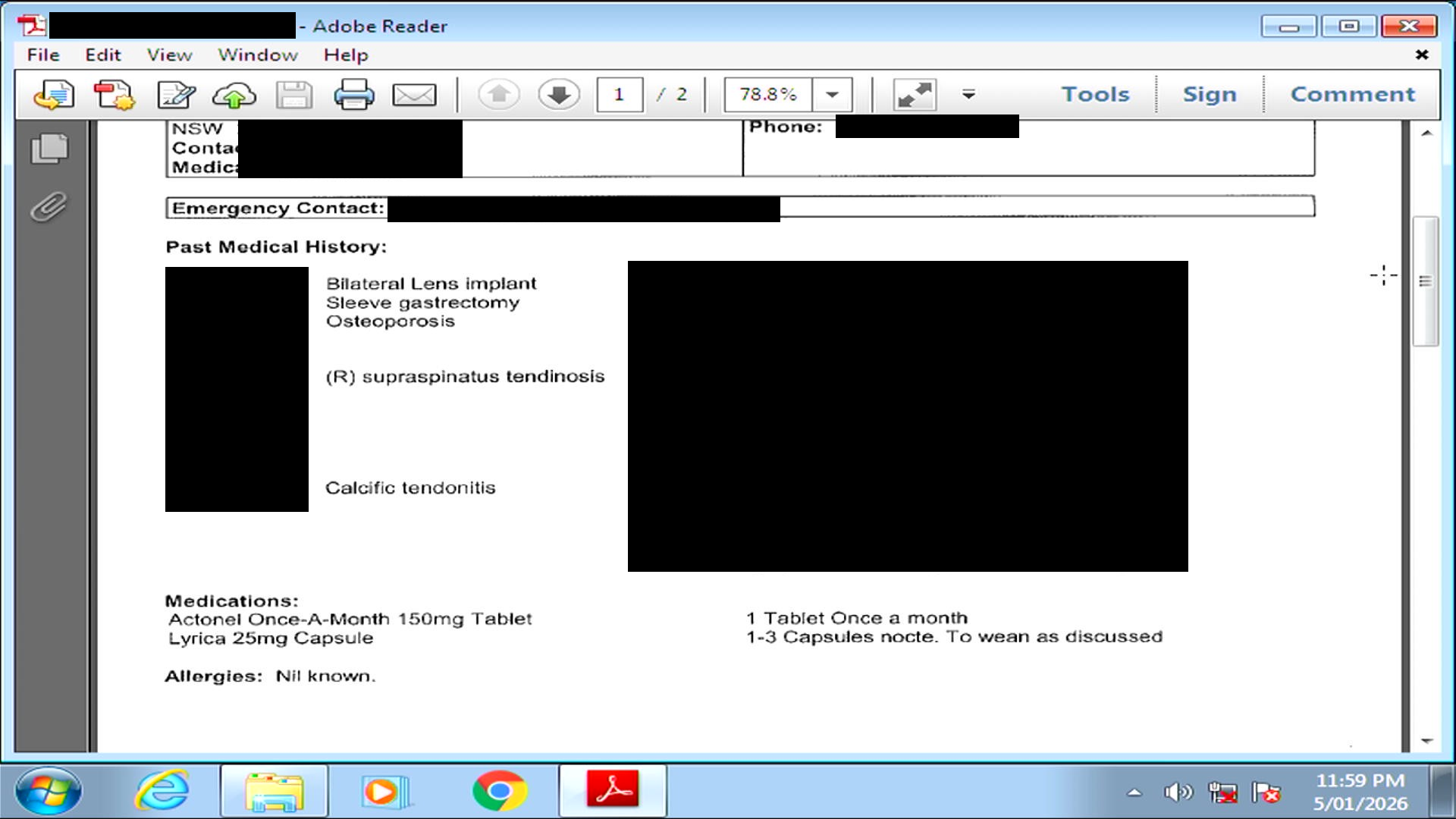
This computer was presumably part of a common business process where customer documents were scanned before being uploaded to the practice's patient management system.
Lessons
If you're a business:
Wipe or Destroy Drives
Just because a computer doesn't boot anymore doesn't mean the storage is no longer functional. Here are some options for how to securely dispose of drives.
The easiest option is to physically destroy the drive. Drilling a few holes through the hard drive platter or memory chips of an SSD will protect you against all but the most motivated attackers.
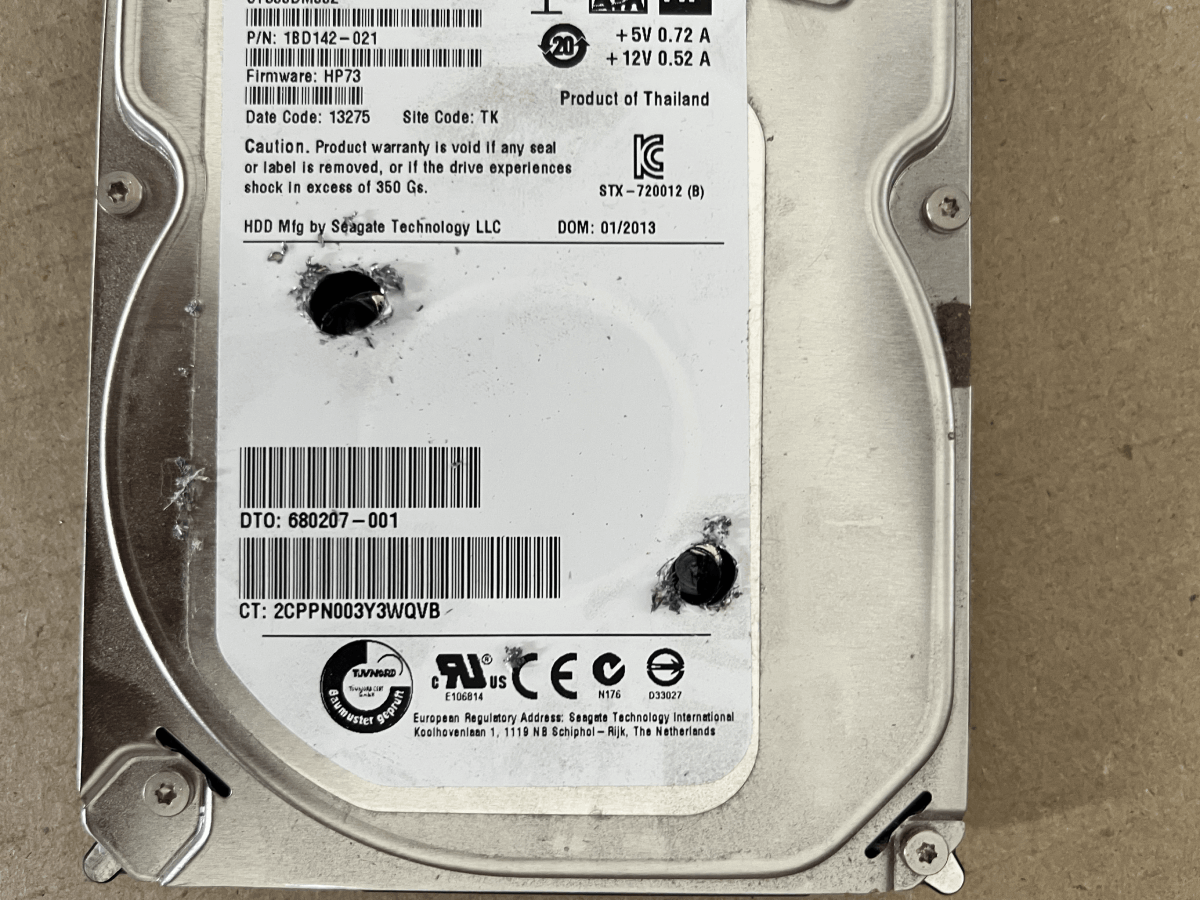
If you'd like to keep/resell the hardware, harddrives can be wiped with DBAN and SSDs can be secure erased using manufacturer provided software tools.
Finally, most eWaste companies will offer data wiping services with certificates of destruction.
Enable Bitlocker
Enabling full disk encryption will make doing any of what's documented here much harder.
Review Business Processes
Audit business processes that result in sensitive data being scattered everywhere.
For instance, processes that require customers to send sensitive documents via email attachments will end up creating copies of PII in inboxes which will undoubtably never be deleted.
Consider upload links to OneDrive/portals etc. as an alternative for this specific example.
If you're in an individual:
Giving random businesses unsolicited security advice normally doesn't go down well. All you can really do is be proactive where you can.
When asked for sensitive documents, proactively offer to provide a secure download link (via Google Drive or OneDrive) instead of an attachment.
When a transaction is complete, a request for data deletion might help - "Could you please confirm that the scanned copy of my ID has been deleted?".